


Best Web Design Tools for 2026: The New Stack Designers Are Using
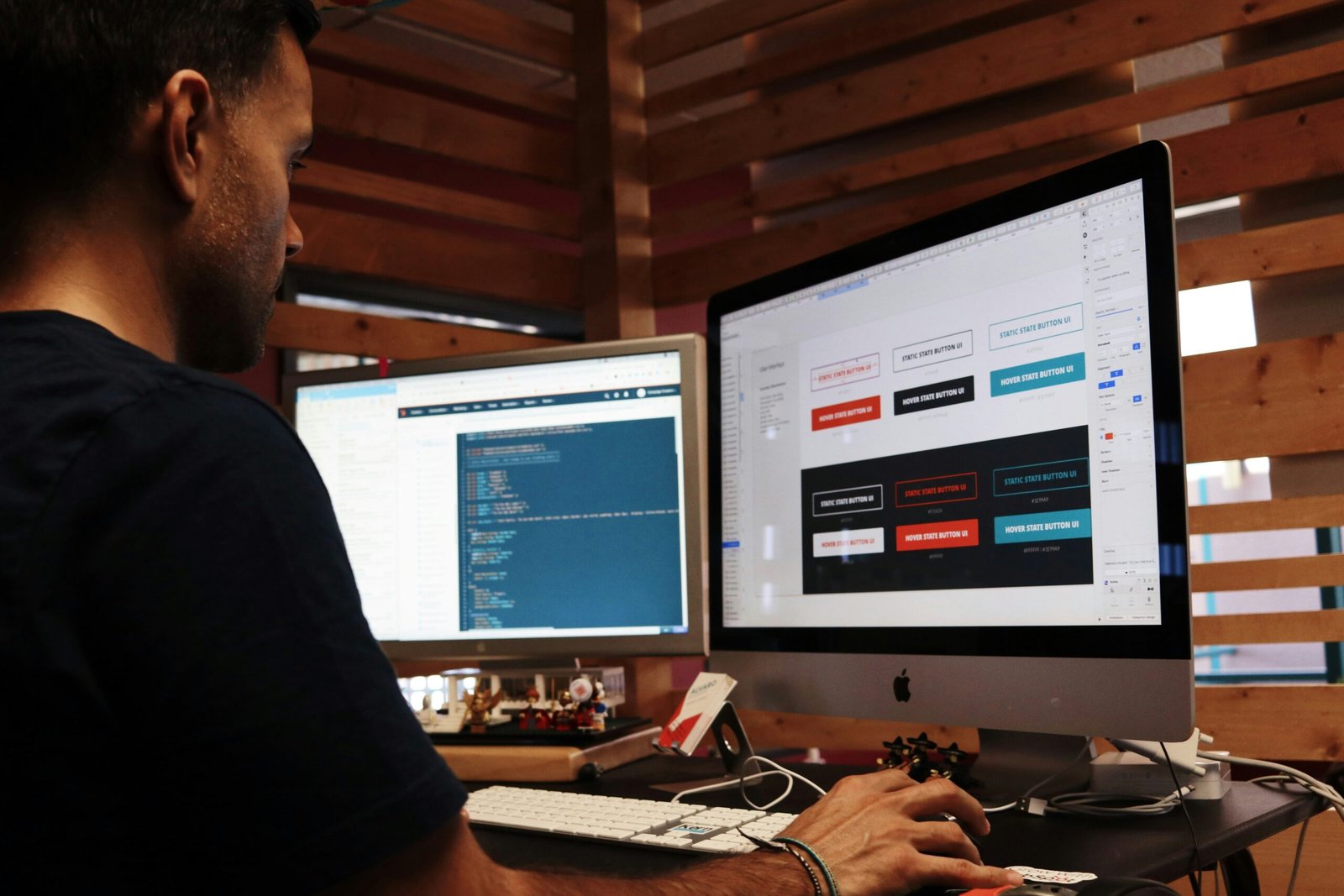
Web design in 2026 feels less like “design → handoff → build” and more like a continuous loop: prompt, prototype, generate, refine, ship. The tools that win aren’t just prettier—they remove friction between ideas and production.
Below are the standout tools (and new capabilities) shaping modern web design this year—organized by what they help you do fastest.
1) Figma is becoming a full creative + AI workflow hub
Figma’s advantage in 2026 isn’t only UI design—it’s that it’s turning into the place where your assets, design system, and AI-assisted iteration all live. Figma has been shipping heavy product updates and is actively making its platform more accessible to AI agents via its MCP ecosystem (which matters a lot for “design-to-code” workflows).
What’s new / why it matters:
- Built-in AI image editing tools (like erasing/removing objects, isolating subjects, expanding images) reduce the “jump to Photoshop” moments during web projects.
- The MCP direction + tooling around prompt-to-build workflows makes “design → implementation” more automatable.
- Figma’s broader creative push (like bringing in node-based AI workflows via “Figma Weave”) signals where this is heading: fewer external tabs, more creation inside the canvas.
Best for: agencies, product teams, anyone serious about design systems and fast iteration.
2) Webflow AI is the fastest route from concept to conversion-ready site
If you build marketing sites, Webflow’s AI features are basically trying to remove your slowest steps: starting from blank, writing draft copy, and optimizing pages after launch. Webflow positions Webflow AI as a tool for building, modifying layouts, generating copy/components, and improving SEO/AEO.
Where Webflow AI shines in 2026:
- Generate layouts and accelerate page creation (especially helpful for client work where time-to-first-draft matters).
- AI support that leans toward ship + optimize, including SEO/AEO improvements and optimization suggestions.
Best for: performance marketing sites, agencies doing lots of builds, founders launching fast.
3) Framer keeps winning for “designer-first” publishing (and it’s getting sharper)
Framer is still the “make it look premium quickly” tool—especially for landing pages and high-polish marketing sites. Their updates keep targeting that premium feel and speed.
A good example: Framer introduced Squircle (smooth iOS-like corners) tied to CSS corner-shape, integrated across frames/stacks and animatable—small detail, big visual payoff when you want that modern UI look.
Best for: founders, designers shipping landing pages, portfolio sites, fast experiments.
4) Relume is the AI shortcut for sitemaps, wireframes, and style direction
Relume is a huge deal if you’ve ever lost hours on the “okay but what sections do we need?” stage. It’s built to generate sitemaps + wireframes + style guides in minutes, which is exactly the pre-design bottleneck for most web projects.
Best for: agencies, freelancers, anyone who does discovery/strategy and wants to move into design faster.
5) v0 is the “UI generator” that makes developers faster (and designers more dangerous)
v0 (by Vercel) is part of the new wave of tools that generate usable UI from prompts—often with Tailwind/component patterns—so you can iterate from an interface direction to working UI in a fraction of the time.
Best for: React/Tailwind teams, indie hackers, dev-heavy agencies, rapid prototyping.
6) Cursor is now a core part of modern design-to-code workflows
Cursor isn’t a “design tool,” but in 2026 it behaves like one because it’s where interfaces get built and refined at speed. Cursor positions itself as an AI-first editor with features like review/debug flows and agent-style assistance.
Best for: anyone shipping production code, teams turning designs into real UI quickly.
7) Wix Studio’s AI is getting legit for responsive production
Wix has clearly separated “easy DIY” from “Studio for serious builds,” and Wix Studio is pushing AI workflow accelerators—especially around responsiveness and speed. Wix Studio promotes AI tools for responsiveness, code generation, and design workflows inside the platform.
Best for: teams building lots of client sites quickly, businesses that want power without fully custom dev.
8) Adobe Firefly is becoming the “visual production layer” for web assets
Web design isn’t only layout—it’s imagery, mood boards, and content variations. Firefly has expanded into a broader creative AI surface, including Boards for ideation/moodboarding and ongoing improvements in generation/editing tools.
Best for: creative-heavy sites, marketing teams, anyone who needs brand-consistent visuals fast.
The 2026 Web Design Stack (my recommended combos)
If you’re a freelancer (speed + polish)
- Figma (design system + assets)
- Framer (publish premium sites fast)
- Firefly (visuals, moodboards, variations)
If you’re an agency (repeatable pipeline)
- Relume (sitemap/wireframe in minutes)
- Figma (systems + collaboration)
- Webflow AI (build + optimize at scale)
If you’re building a SaaS (design-to-code acceleration)
- Figma (source of truth)
- v0 (generate UI foundations)
- Cursor (ship + refactor fast)
Quick checklist: how to pick your “best” tool in 2026
Choose based on what slows you down most:
- Slow starts? → Relume, Webflow AI
- Slow asset creation? → Firefly, Figma AI editing
- Slow publishing? → Framer, Webflow
- Slow implementation? → v0 + Cursor
Для качественного ухода за вашим автомобилем посетите детейлинг салона автомобиля.
Уход включает удаление загрязнений, пыль и неприятных запахов.
Для организации вашего события идеально подойдут браслеты пропускные на руку, которые обеспечат надежный контроль доступа и удобство для гостей.
Их применяют для быстрой идентификации участников и управления доступом.